
 DomeSim Observatory Visualizer
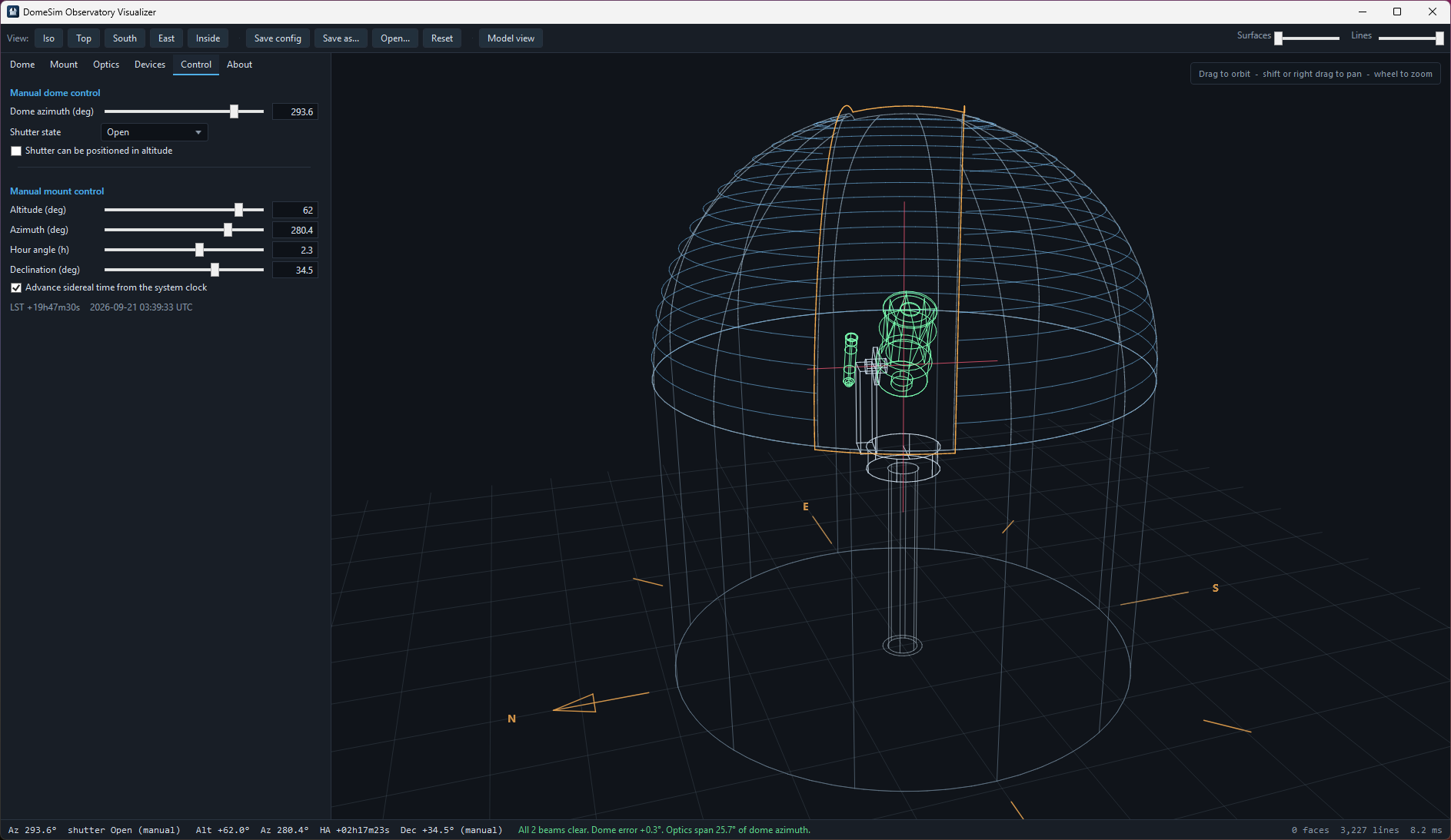
DomeSim presents a view of an observatory in the form of a translucent wireframe 3D model. The dome, its shutter and slit, the mount, and more than one optic can be represented. It also models the views of each optic through the dome slit, allowing you to determine or verify optic offset parameters in the application driving your dome. I made this app out of a need to simulate the view angles of different mount types with offset optics, such as piggy-backed and side-by-side configurations, without having physical access to such configurations.

Dome Modeling
Domes are modeled as a hemispherical shell on a cylindrical wall. You set the base height, the diameter and the shutter slot. The slot works the way a real one does: an angular width across it, and a sweep running from the base ring, up over the zenith and down the far side. Wall, floor, ribs, aperture rim and ground grid each switch off on their own, and you set the mesh density. A compass rose sits on the ground around the base of the dome wall, with N, E, S and W markers.
Mount
Three kinds of mounts are represented:
- German Equatorial
- Alt-Azimuth Fork
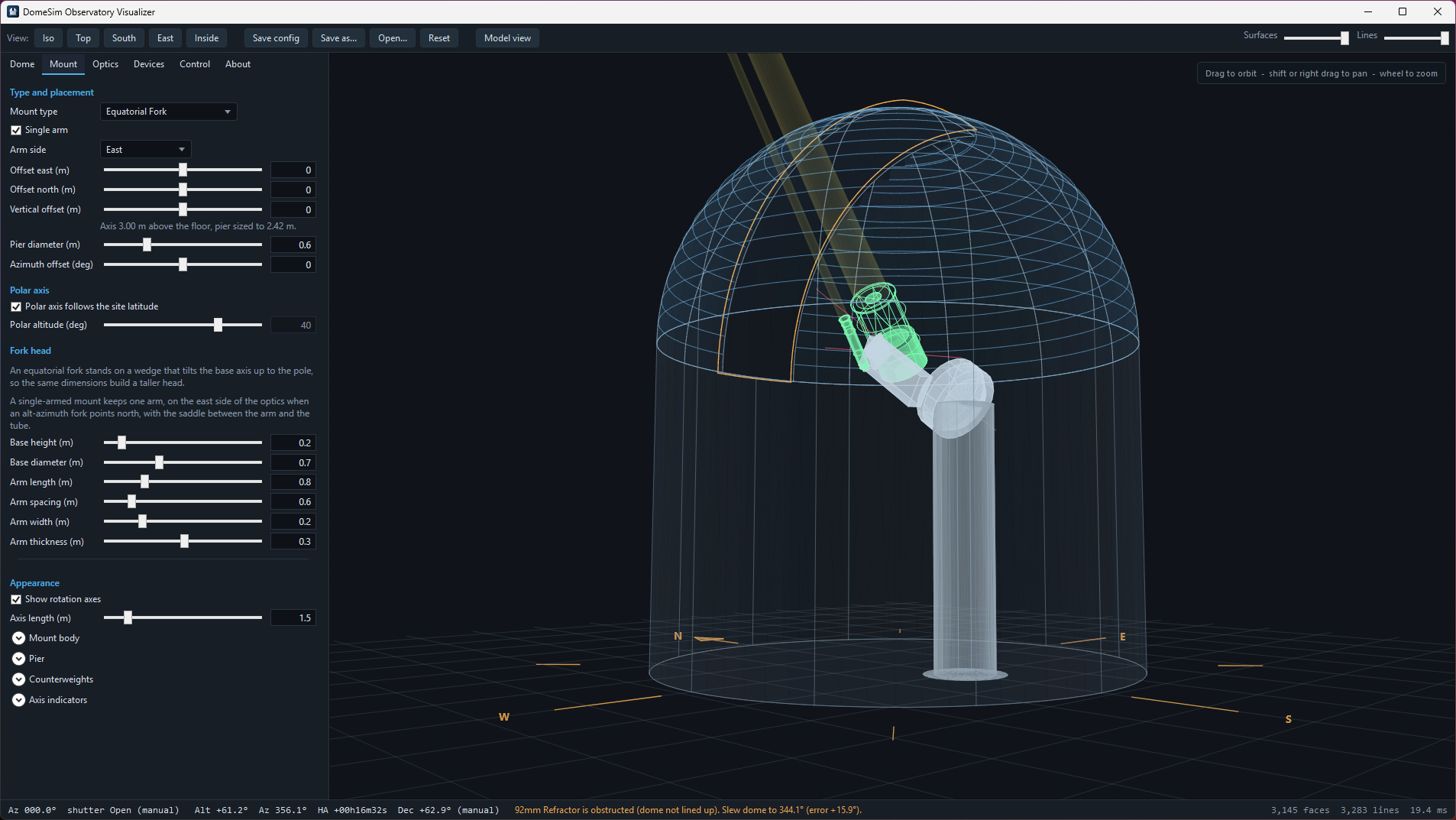
- Equatorially-mounted Fork
Axis housings, saddle, fork arms and counterweights all take their own dimensions, allowing some customization of the look and dimension of a real mount. The polar axis follows the site latitude unless you set it by hand. You can place the mount relative to the dome’s central axis to match the offsets that are typically required in dome control software
Either fork model can drop a tine with the single arm option, in the style of a PlaneWave L-series: one arm, standing east of the optics when an alt-azimuth fork points north, with the saddle between the arm and the tube. Arm count changes the structure and nothing about how the mount moves.
Optics
Add as many OTA types as you like: refractor, Newtonian, SCT, Ritchey-Chrétien, Maksutov, camera lens or finder. Each carries its own aperture, focal length, central obstruction, tube and focuser dimensions, and color. Open truss tubes draw as trusses, with the pole count you give them; closed ones can carry a dew shield.
Alpaca Support
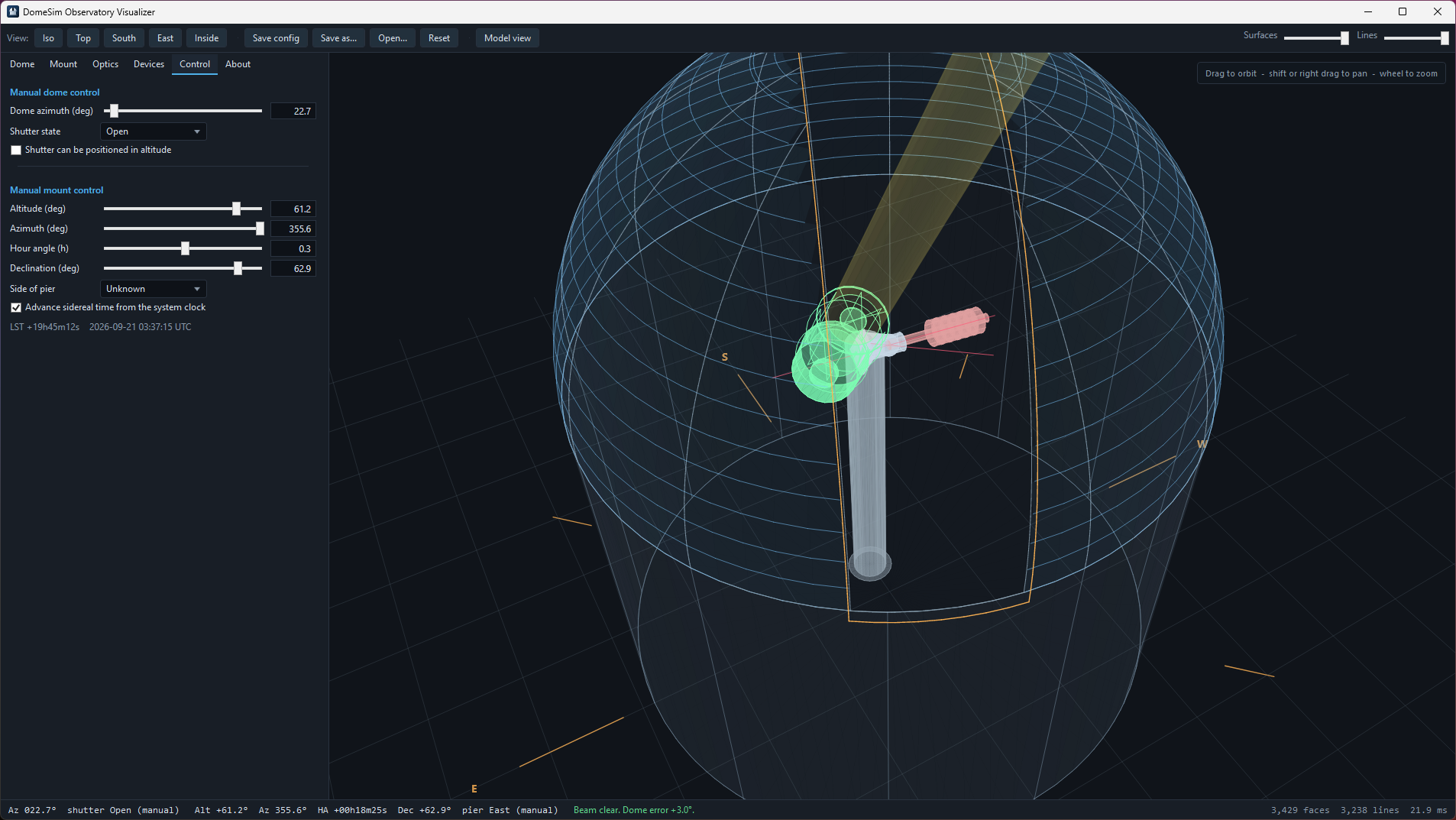
Aside from the manual dome and mount controls, the modeling can be controlled by an ASCOM Alpaca dome and mount source. DomeSim features an Alpaca client for these two device types. Connecting it to the desired dome and mount Alpaca endpoints will cause the model to snap to and follow the azimuths and altitudes of what those endpoints report.
If you use N.I.N.A. and your dome and/or mount lack Alpaca endpoints, you can install the Alpaca plugin for N.I.N.A. This plugin exports all connected hardware devices as Alpaca endpoints. This gives you the ability to follow your dome and mount in DomeSim even if your dome and mount solutions lack Alpaca capabilities.
N.I.N.A. Dome Profile Settings
DomeSim has the capability to import dome settings from your currently-loaded profile in N.I.N.A. The requirement for this is to have the Advanced API plugin for N.I.N.A. installed so that DomeSim has a way to retrieve that information.
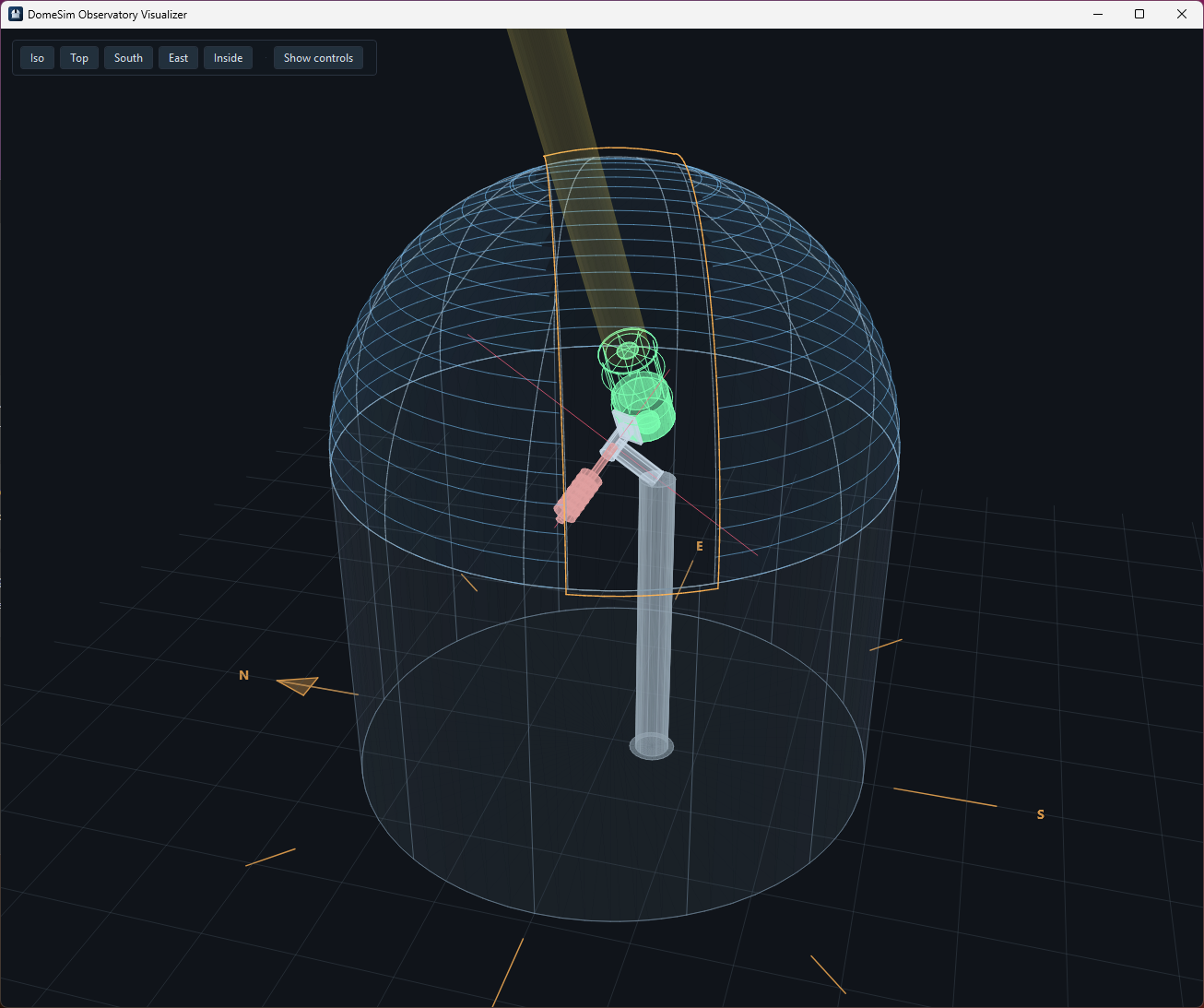
Screenshots
Download
DomeSimSetup-1.0.0-x64.msi
SHA256: fa281696ec2c256231dddf5ddf136ed488e775f3470d3779a97db32c9e92cc90